Technology Guidance for Growing Organizations
The Resources section is where Smarter IT shares practical guidance to help organizations understand technology decisions, risks, and changes that affect their business. From in-depth guides and service explanations to short tech updates and newsletters, this content is designed to inform — not overwhelm — and help leaders make confident, well-timed decisions.
What this section is:
Authoritative guides that answer the most common questions organizations ask when evaluating IT services, security, and support models.
These guides dive deep into core IT topics such as managed services, security, onboarding, and service expectations. Each resource is written to explain how things actually work, what to expect, and how decisions impact risk, cost, and operations — especially for growing organizations.
These are the essential guides that answer the most important questions IT buyers ask when evaluating managed services providers — including pricing, service expectations, and security posture.
Monthly Technology Deep Dives
Each month, Smarter IT publishes a deep-dive guide focused on a specific area of technology such as firewalls, Zero Trust security, AI readiness, identity management, or infrastructure design. These guides go beyond surface-level explanations to break down how each technology works, where it fits in a modern environment, and what organizations should consider when evaluating or implementing it..
These deep dives are designed for organizations that want to understand not just what a technology is, but how it impacts security, operations, and long-term risk.
Tech Updates & Video Briefings
Twice a month, Smarter IT publishes a focused technology focused tech update that explores one area of IT, security, or infrastructure in depth. These tech updates are designed to provide context, explain why the topic matters, and highlight practical considerations for organizations planning ahead.
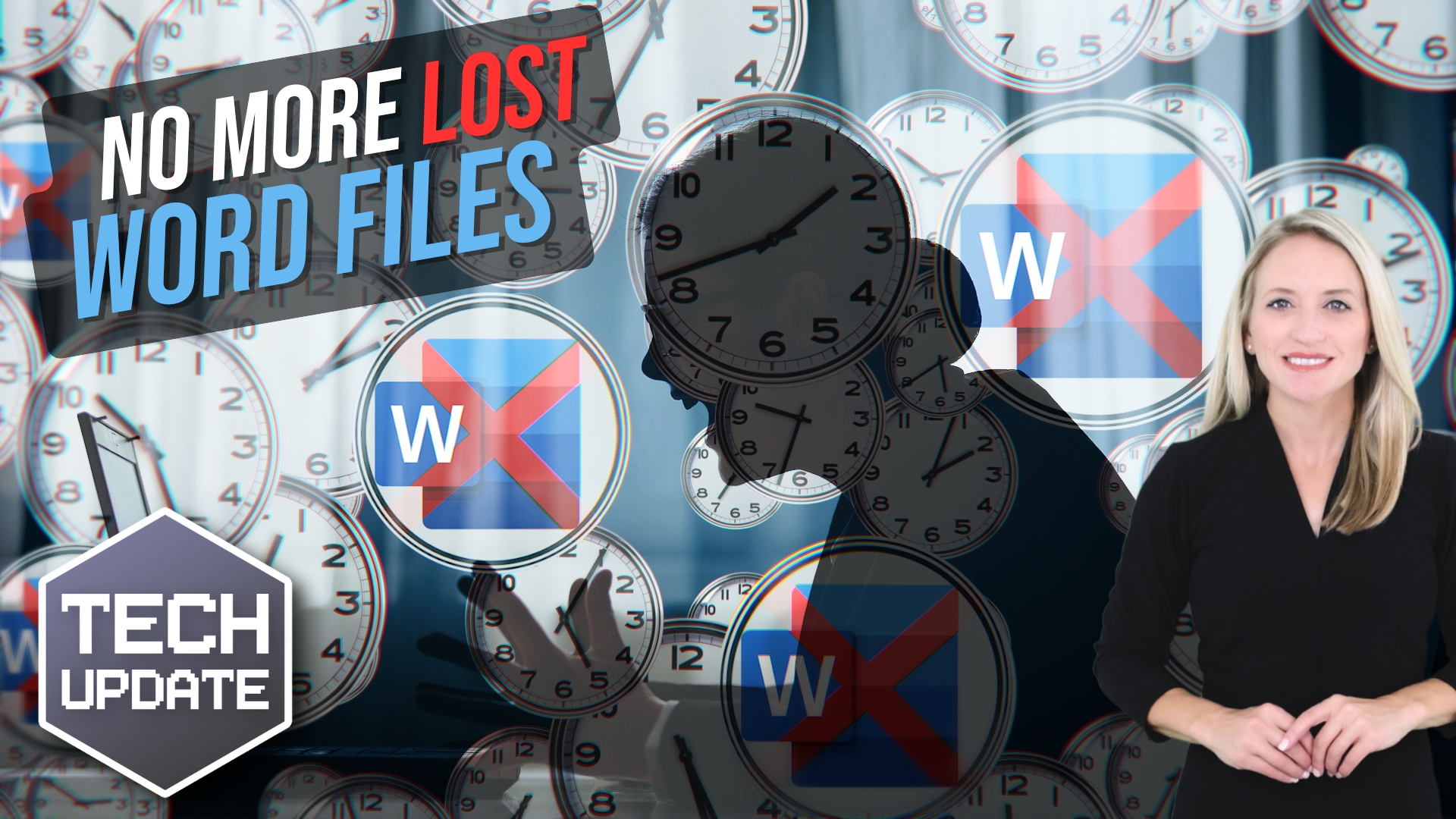
You know that sick feeling you get when your computer crashes? Hours of work swirl down the drain. All because you forgot to hit “Save”. Well, Microsoft’s got an update that means that will never happen again…
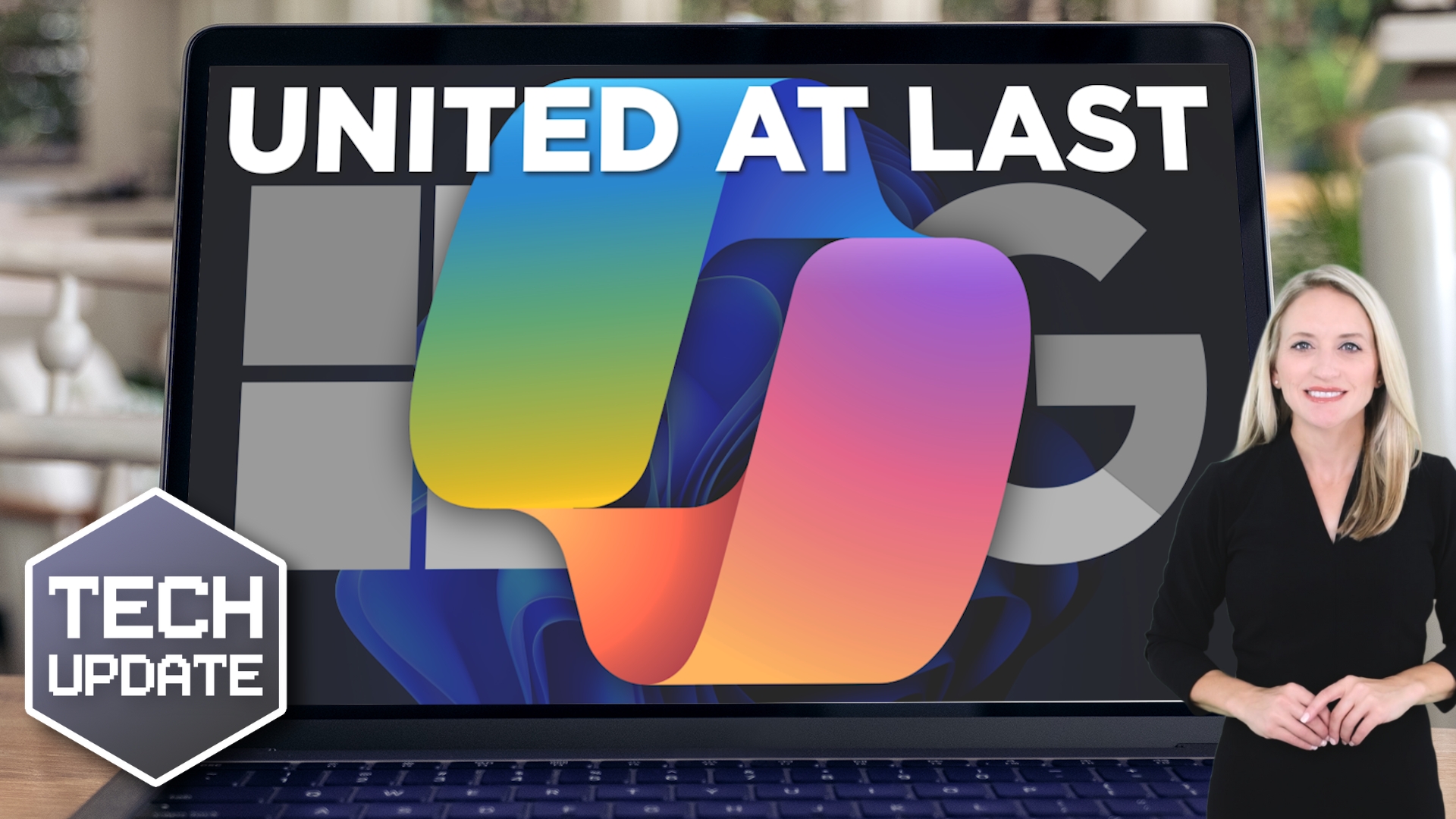
Have you ever found yourself wishing your Windows apps and your Google tools would work together?Microsoft has good news: Now they can. And it’s all thanks to Copilot…